Microsoft Word training course
This beginner's Microsoft Word training course enables learners to create and edit professional documents effectively. Designed for those new to Word, it covers essential features and practical applications that enhance workplace communication and productivity.

Meet Your Mentors
Preview instructors who may teach this cohort
Referral Services
We connect with industry expert for referral.
Refund Policy
Guarantee Certification
Microsoft Word training course Overview
This comprehensive Microsoft Word training course is designed for beginners looking to master document creation and editing. Participants will learn the essential features of Microsoft Word, enabling them to produce professional-quality documents confidently. Over the course of six weeks, learners will progress through important topics such as formatting, styles, templates, and collaboration features that are vital for effective communication in the workplace.
The structure of the course involves weekly interactive live sessions, where experienced instructors guide participants through hands-on activities and practical assignments. Each week...
Our Core Features
Microsoft Word training course Syllabus
6 modules · 26 lessons
- 1. Understanding the Ribbon and Toolbar FunctionsPreview
- 2. Exploring the Quick Access Toolbar CustomizationEnroll to unlock
- 3. Navigating the Document Window and View OptionsEnroll to unlock
- 4. Using Navigation Pane and Search Features EffectivelyEnroll to unlock
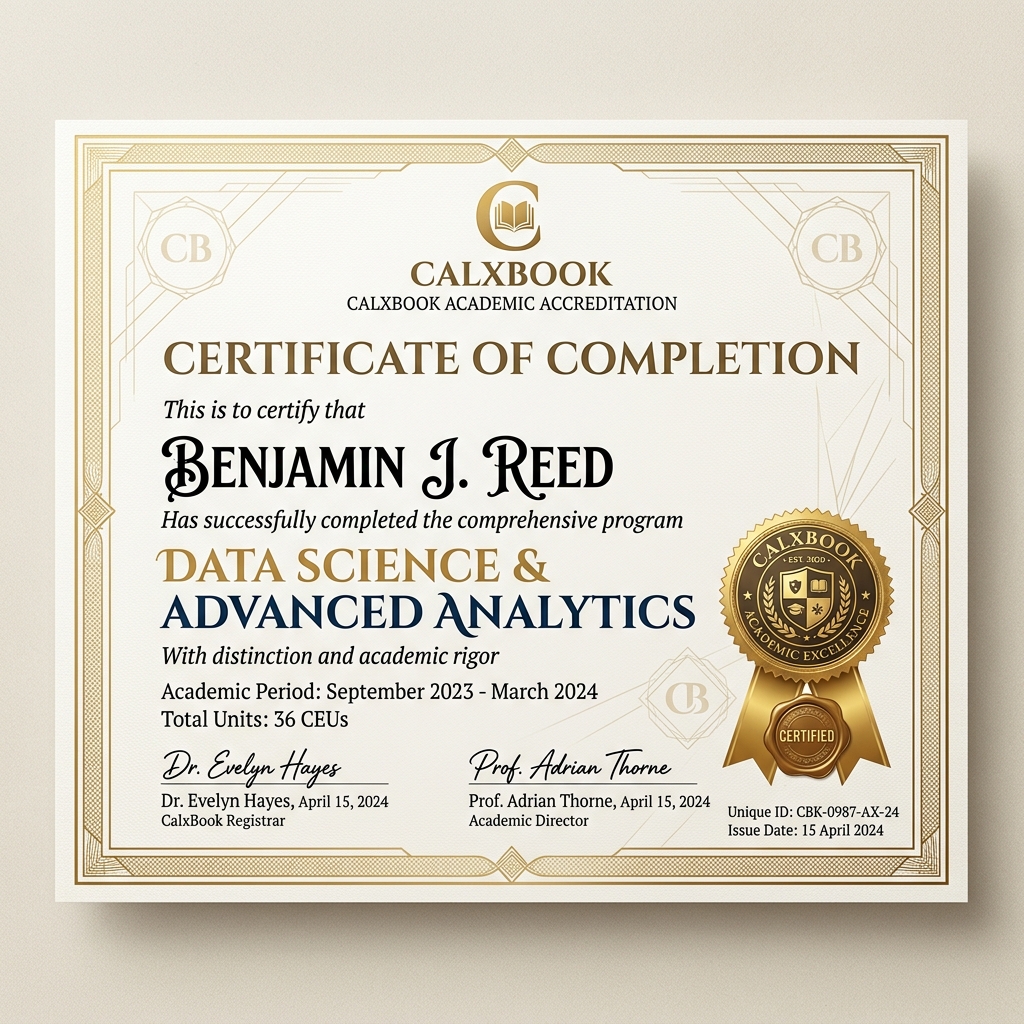
Earn Your Microsoft Word training course Certification
Our accreditation is recognized by the world's leading economic institutions and universities. It represents a rigorous mastery of industry-standard expertise and practical engineering methodologies.
- Industry-standard QR Verification
- Sharable on LinkedIn & Portfolios
- Lifetime Accreditation Access
Microsoft Word training course Related FAQs
The program duration varies by path, typically ranging from a few weeks to several months. It is structured into comprehensive modules covering foundational to advanced topics with hands-on exercises and real-world projects.
Yes, you will earn a verified CalXBook Certification upon completing all required course modules and assessments. This certification can be shared directly on LinkedIn and your professional portfolio.
Absolutely. Enrolled members receive lifetime access to all course syllabus materials, updated resource guides, and any future curriculum improvements.
You will have access to expert mentor support, live chat guidance, and 1:1 training options to help you resolve technical doubts and guide you through complex projects.
Yes, you can request to switch mentors or adjust your selected learning path through our support portal to better align with your learning pace and career goals.
Corporate Training?
Scale your team's expertise with our enterprise solutions and group rates.
Get in touch with sales